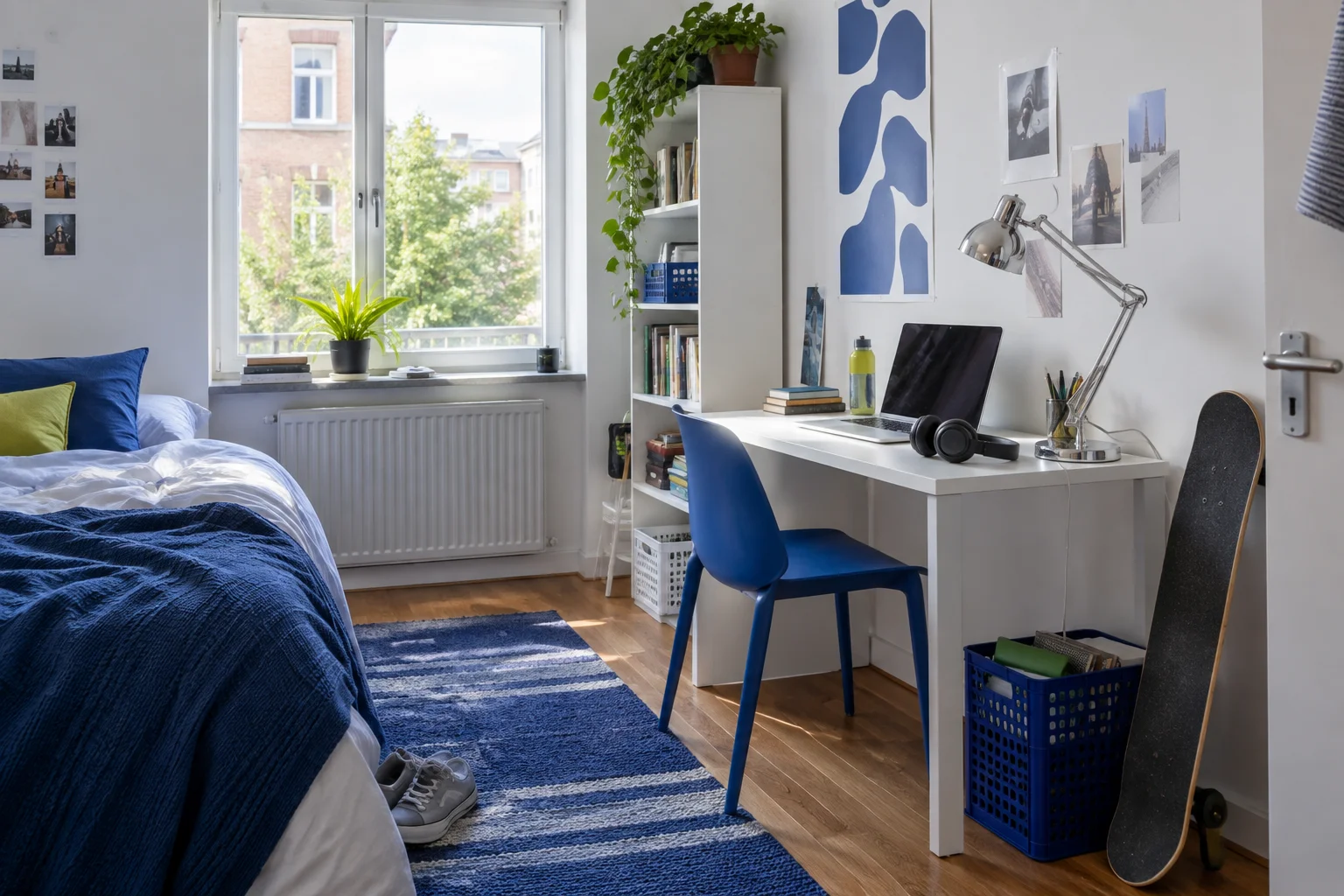
AI-created lifestyle inspiration. This is not a photograph of a recommended product.
A minimalist desk setup should help you use the desk, not make you feel that you need a new desk. For uni students, renters and anyone working in a shared room, the most affordable improvement often comes from changing the arrangement before replacing equipment.
Set a spending limit before browsing accessories. Then define what the desk must support: laptop work, handwritten notes, video calls, drawing or a combination. A setup that looks elegant in a photograph may be unsuitable if it leaves no room for an open textbook.
Start with a no-spend reset
Remove everything from the surface and clean it according to its finish. Return only the equipment needed for your next session. Put unrelated belongings away, and keep uncertain items in a temporary box nearby rather than immediately buying storage for them.
After several days, check which items you retrieved from that box. Those deserve consideration for a convenient permanent home. The rest may belong elsewhere. This short experiment is more informative than deciding based on how often you think you might use something.
Arrange the essential work zone
Place your primary screen, keyboard or notebook where you can use it comfortably. Check that you can sit and move without bumping your legs against storage. Keep commonly used objects close enough to access without repeatedly clearing the desk.
A laptop stand is optional, not a requirement for a minimalist appearance. If raising the laptop makes its keyboard awkward to use, factor in separate input devices. Choose a setup around your tasks and comfort rather than following a fixed photograph or a universal measurement.
Control the cable route
Identify the cables that must remain connected and remove redundant ones. Use reusable ties to manage spare length, leaving enough movement for ports and devices. Route cords where they are not pinched, rolled over or stretched across walking paths.
Keep power equipment accessible and follow the manufacturer's operating instructions. Do not crowd plugs inside decorative storage to hide them. If a cable is damaged, organising it more neatly does not resolve the problem.
Choose a restrained visual palette
You do not need matching equipment to create a calm surface. Limit the visible decorative items and repeat one or two existing colours where convenient. A plain notebook, an existing mug for pens and a single useful tray can look cohesive without replacing working belongings.
Use texture sparingly if you like a softer appearance. Check how a desk mat affects writing, mouse movement and cleaning before buying one. A large mat can also hide the work surface you already enjoy.
Buy for the most persistent problem
Rank your frustrations after the trial week. If the main issue is loose paper, a document tray may help more than a decorative monitor shelf. If chargers fall behind the desk, a compatible cable holder may be enough. If nothing is causing trouble, keep your budget for later.
Compare the total delivered price, including any additional items required to make the purchase useful. A cheap stand that requires new peripherals is not necessarily a cheap change to your setup. Check returns and compatibility before ordering.
Treat second-hand options thoughtfully
A used desk or organiser can be worth considering if it suits your measurements and can be inspected properly. Check joints, drawer movement, stability and condition. Allow time and cost for collection. Be cautious about buying something that needs repairs you cannot reasonably complete.
For electrical equipment, suitability and safety require more than a tidy appearance. Buy through appropriate channels and seek qualified advice when needed. A budget goal should not encourage improvising repairs or using unsuitable power accessories.
Keep decoration personal but limited
A small artwork or one plant can make a work area feel welcoming. Keep it clear of essential equipment and consider water, light and maintenance. If the desk doubles as a dining table, a portable caddy may be more practical than a permanent arrangement of objects.
Minimalism is flexible. Someone who sketches may need several tools on display, while someone doing mainly digital work may need very little. The useful measure is whether the arrangement supports your day.
Review before upgrading again
Take a quick photo of the finished setup for your own reference and use it for two weeks. Notice what drifts out of place and why. Change the storage location or routine before assuming another purchase is necessary. A modest setup that stays easy to use is a better result than a costly one that needs constant attention.
A category to consider
Plain desk mat
An optional surface layer for a working area. Compare materials against your writing, cleaning and mouse-use needs.
- Check before buying
- Dimensions, surface texture, edge finish, cleaning instructions and desk compatibility.
- Potential advantage
- May group a keyboard and mouse into one visually consistent area.
- Potential drawback
- Can collect marks or affect writing and mouse movement; may be unnecessary.
- May suit
- A desk where a trial confirms a mat makes the surface more useful.
A few useful answers
Does a minimalist setup need matching accessories?
No. A clear working area and consistent storage habits can make existing equipment feel more coherent without replacing it.
What should I buy first?
There is no universal first purchase. Trial your rearranged desk for a week, then address the most persistent practical problem.